Where can I find the serial number?

And why is it so useful?

The serial number allows your device to be uniquely identified; just like a fingerprint, each of these numbers is unique. The serial number can make a number of tasks much easier. For example, it is particularly valuable information in the event of support or repair enquiries.

Device manufacturers sometimes change individual components or configurations over the course of a product’s lifecycle. As a result, two devices of the same type may appear completely identical to users, yet require different spare parts and settings. Unambiguous identification using the serial number avoids confusion and thus enables problems to be resolved quickly and effectively.

The serial number is equally useful for reordering accessories. Here too, minor variations can mean that batteries, mounts or protective cases are not 100% compatible. And on many manufacturers’ websites, you can use it to quickly and easily check the device’s current warranty status.

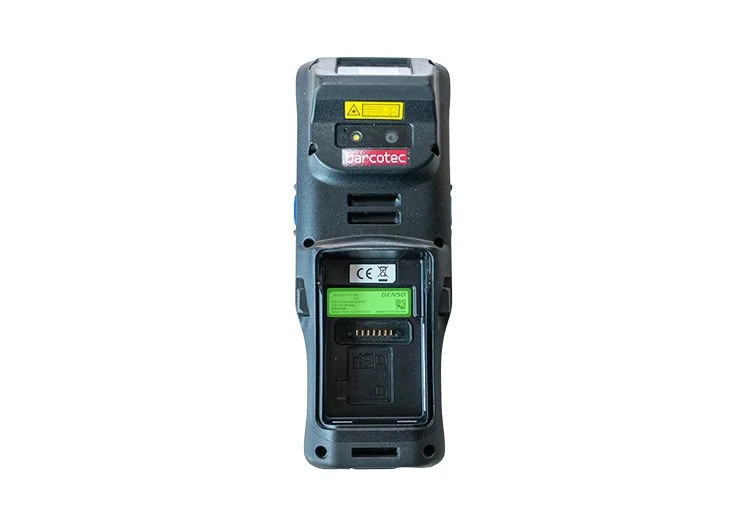
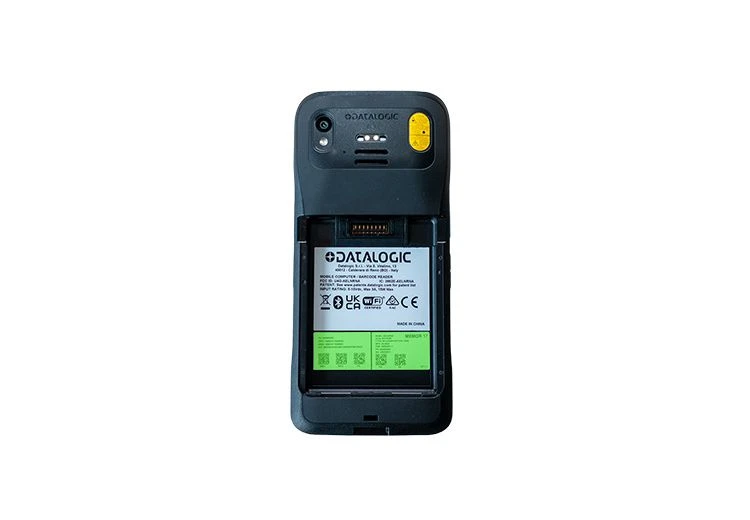
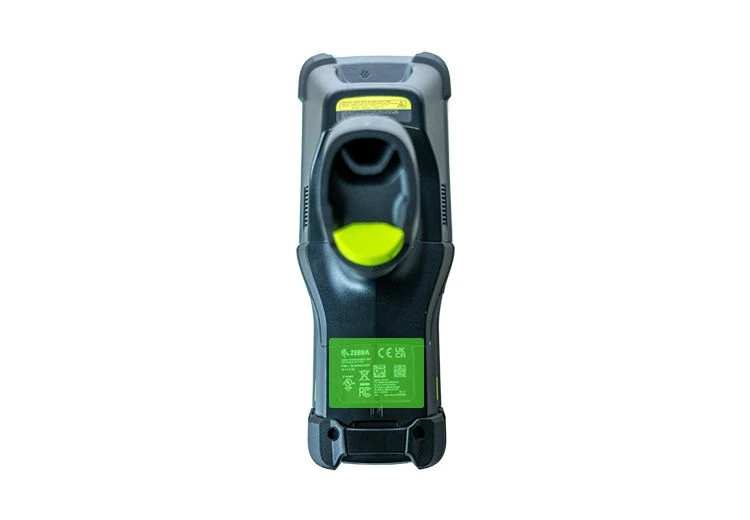
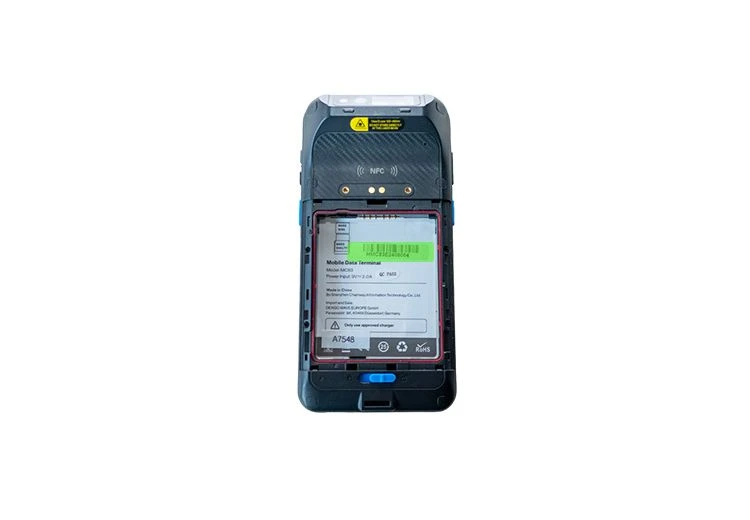
To ensure the serial number is protected as much as possible from damage such as wear, scratches or cleaning products, on most devices you will find it behind the battery or on the underside of the device. It is very often marked with the abbreviation "S" or "S/N".

To make your search easier, here is a selection of typical locations:

Seriennummer Denso BHT-M70
Denso BHT-M70
Seriennummer Datalogic Memor 17
Datalogic Memor 17
Seriennummer Zebra MC9400
MC9400
Seriennummer Denso MC83
Denso MC83
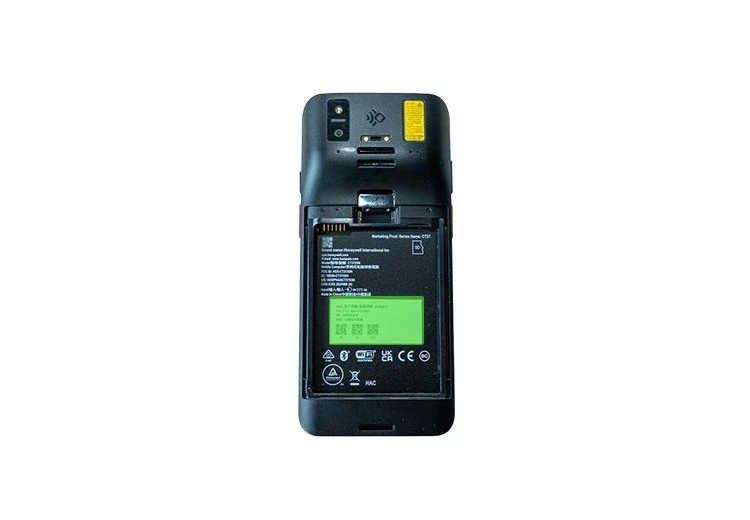
Seriennummer Honeywell CT70
Honeywell CT70
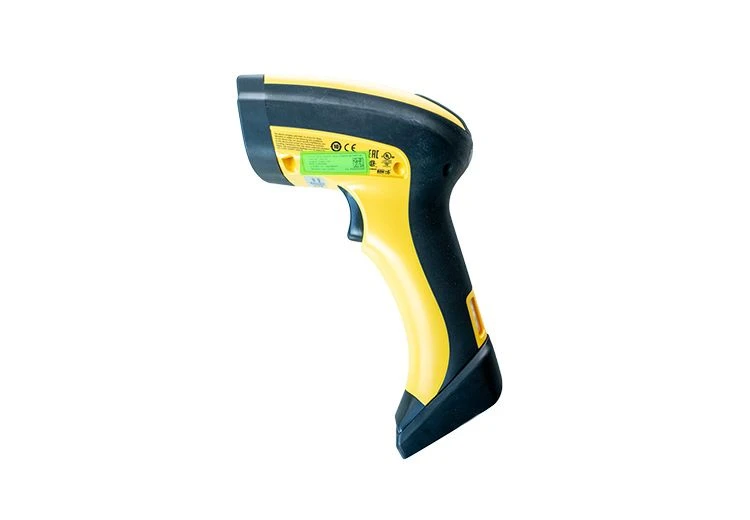
Seriennummer Datalogic Powerscan 9600
Datalogic Powerscan 9600
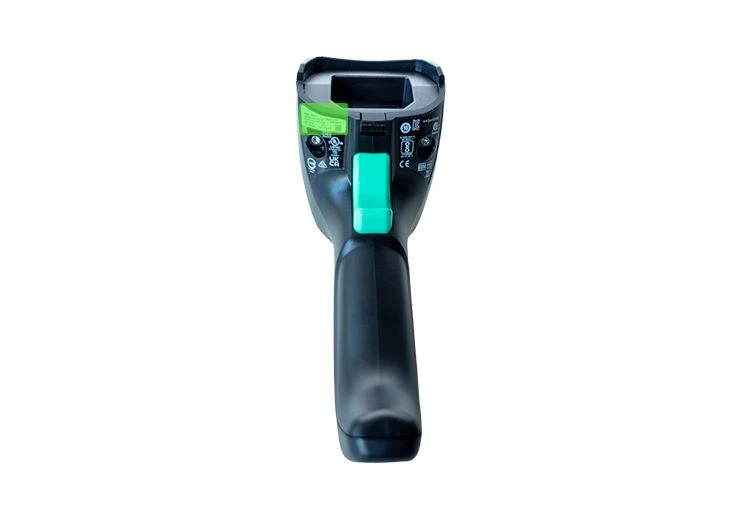
Seriennummer Datalogic Gryphon 4600
Datalogic Gryphon 4600
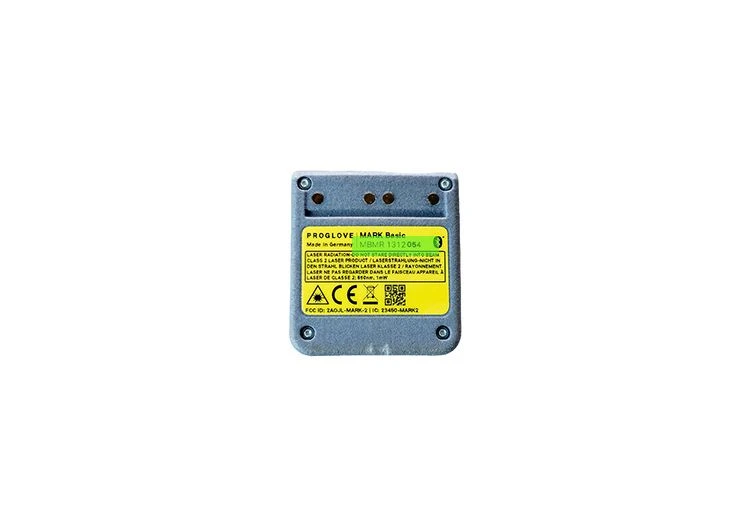
Seriennummer ProGlove Mark Basic
ProGlove Mark Basic
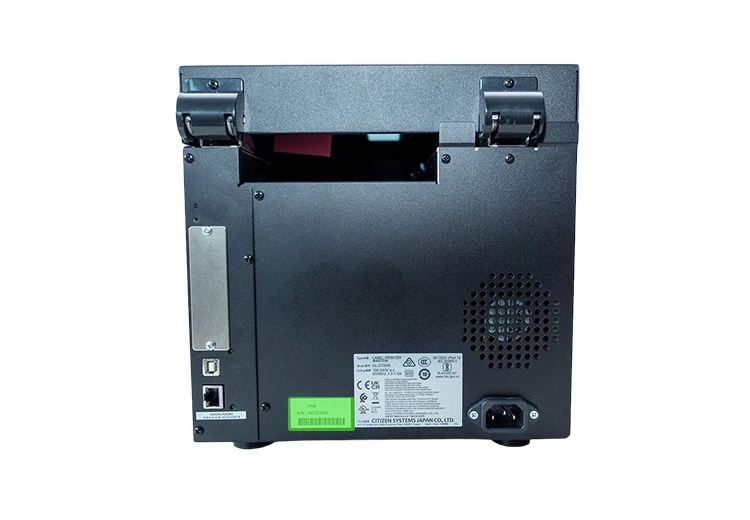
Seriennummer Citizen CL-S700III
Citizen CL-S700III
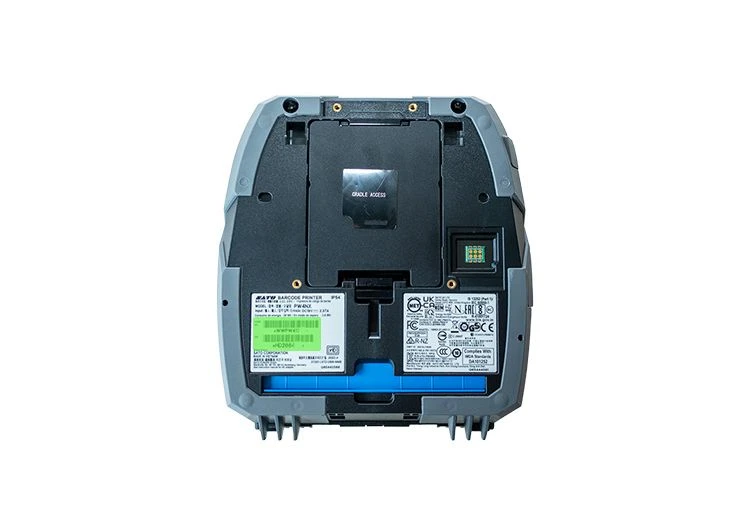
Seriennummer Sato PWN4X
Sato PWN4X
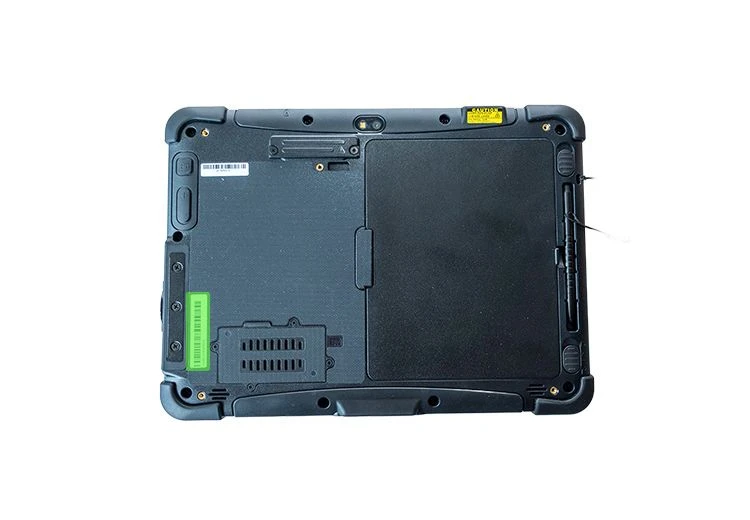
Seriennummer Honeywell RT10
Honeywell RT10